To Ensure Desired User Experience and Required Business Value
End to End Mobile Application Testing Services
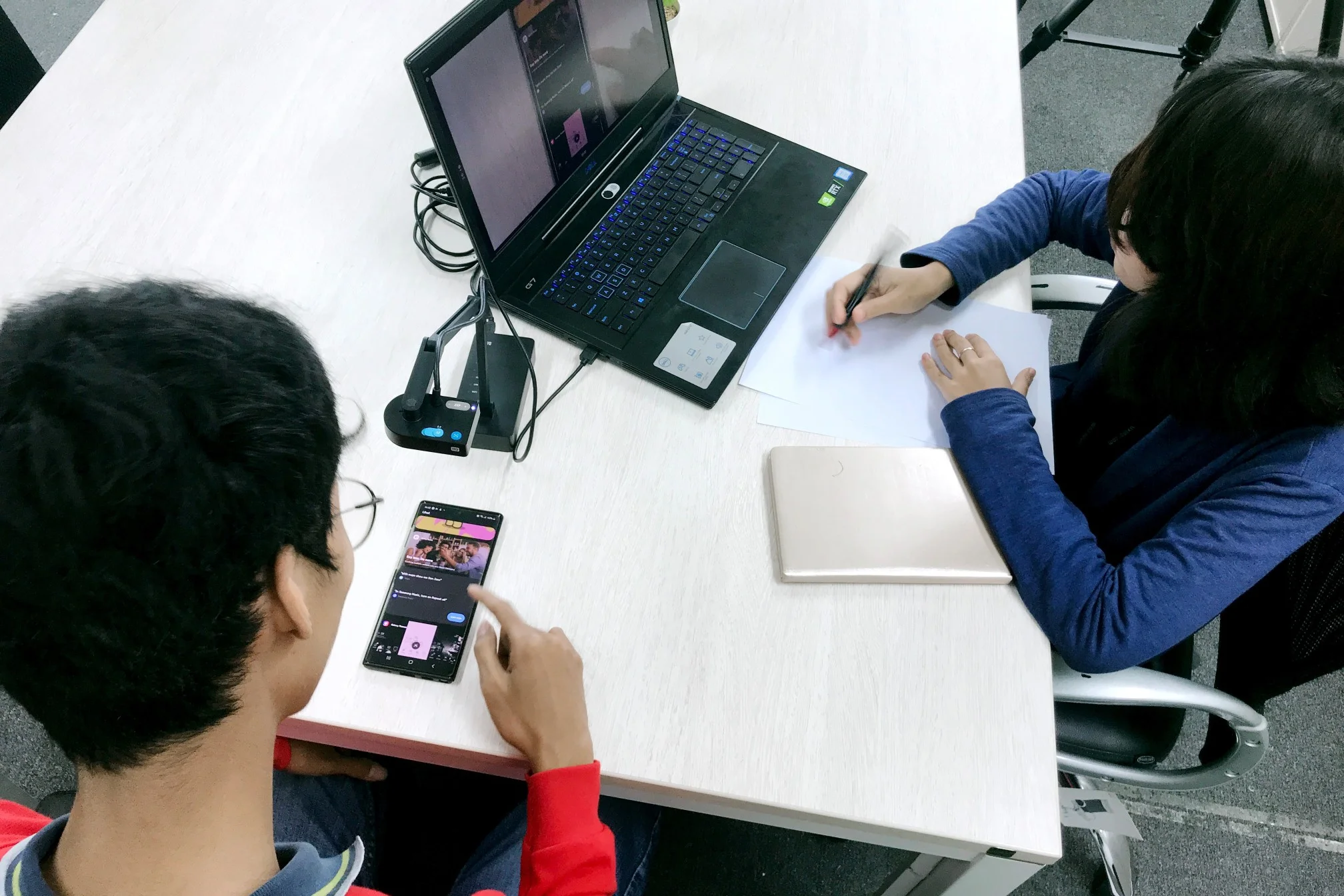
We Make Your App Work.
App Testing

Functional Testing: This type of testing ensures that the app functions as expected, including features such as navigation, data input, and output.
Performance Testing: This type of testing evaluates the app's performance under different conditions, such as high traffic or low connectivity. It helps to identify any performance issues such as slow response time or crashes.
Usability Testing: This type of testing focuses on the user experience, including ease of use, navigation, and overall satisfaction. It helps to identify any usability issues or bugs that may affect the user experience.
Security Testing: This type of testing checks the security features of the app to ensure that user data is protected from potential threats such as hacking or data breaches. It helps to identify any vulnerabilities or weaknesses that may be exploited by attackers.
Rising Bugs
Identify the issue: The first step in raising a bug is to identify the issue or defect. This may involve reproducing the problem and documenting the steps taken to trigger it.
Document the bug: Once the issue has been identified, it should be documented in detail, including the steps taken to reproduce it, the expected behavior, and the actual behavior observed.
3. Assign severity and priority: Bugs should be assigned a severity level based on their impact on the app's functionality, and a priority level based on their urgency for resolution.
4. Report the bug: The final step in raising a bug is to report it to the development team responsible for fixing it. This may involve using a bug tracking tool or communicating directly with the development team.
Retesting
Verify fixes: The primary goal of retesting is to verify that the issues identified in the previous testing cycle have been fixed by the development team.
Focus on failed test cases: Retesting should focus on the test cases that failed in the previous testing cycle, as these are the areas where issues were identified.
Ensure regression testing: Retesting should also include regression testing, which involves testing the unaffected areas of the app to ensure that fixing one issue has not caused new issues to arise.
Record results: The results of retesting should be recorded and compared to the results from the previous testing cycle to ensure that all issues have been resolved and the app is functioning as expected.
Closing Bugs
Verify the fix: Before closing the bug, the development team should verify that the issue has been fixed and that the fix has been tested.
Update the status: The status of the bug should be updated to reflect that it has been resolved or fixed.
Assign responsibility: The person responsible for verifying the fix should be assigned to close the bug.
Communicate resolution: The resolution of the bug should be communicated to all stakeholders, including the tester who reported the issue, the development team, and any other relevant parties.
Impressed? Have a call to clarify your doubts